

What Nobody Tells You About Squarespace’s Hidden Limits
Everyone praises Squarespace for its stunning templates and ease of use. But beneath that polished surface, there are constraints that can surprise you as your website grows.
These aren’t deal-breakers for most, but they are critical to understand. Knowing these limits upfront will save you from major headaches down the line.
The Illusion of Unlimited Pages
Squarespace doesn’t cap your page count on most plans. The real limit is far more subtle and impactful. It’s about structure and performance, not a simple number.
The 1,000-Page Index Limit
Every Squarespace site has a main navigation index. This index can only hold 1,000 pages. Once you hit this, you cannot add more top-level or sub-pages.
This is a hard stop. It primarily affects massive blogs, directories, or e-commerce stores with thousands of product variants. For a typical business site, you’ll likely never touch it.
Performance Drag With Complexity
Even with 500 pages, your site may slow down. Excessive pages, especially with heavy images or scripts, can impact loading speed.
Squarespace’s infrastructure is robust but not infinitely scalable for complex architectures. Keep your site structure clean and logical.
E-Commerce’s Fine Print
Squarespace e-commerce is powerful for small to medium stores. However, scaling up reveals some specific ceilings you need to plan for.
Product Variant Bottlenecks
Each product is limited to 100 variants. A variant is a unique combination of options like size and color.
A t-shirt in 5 colors and 5 sizes creates 25 variants. This limit becomes a problem for complex products with multiple options like custom prints.
Inventory and Order Management
The backend is not built for wholesale-level volume. Bulk editing thousands of products is cumbersome.
Advanced reporting is also limited. You may need third-party tools for deep sales analytics and customer segmentation.
Form and Data Collection Walls
Squarespace forms are elegant and easy to build. They are perfect for contact forms and simple surveys. But they have strict boundaries.
- Form Block Limit: You can only have 50 Form Blocks per site.
- Field Limit: Each individual form is capped at 50 fields.
- File Upload Limit: File uploads via forms are restricted to 20 MB per submission.
For complex applications, lead qualification, or large file collections, you’ll need a dedicated third-party service.
The Hidden Cost of Custom Code
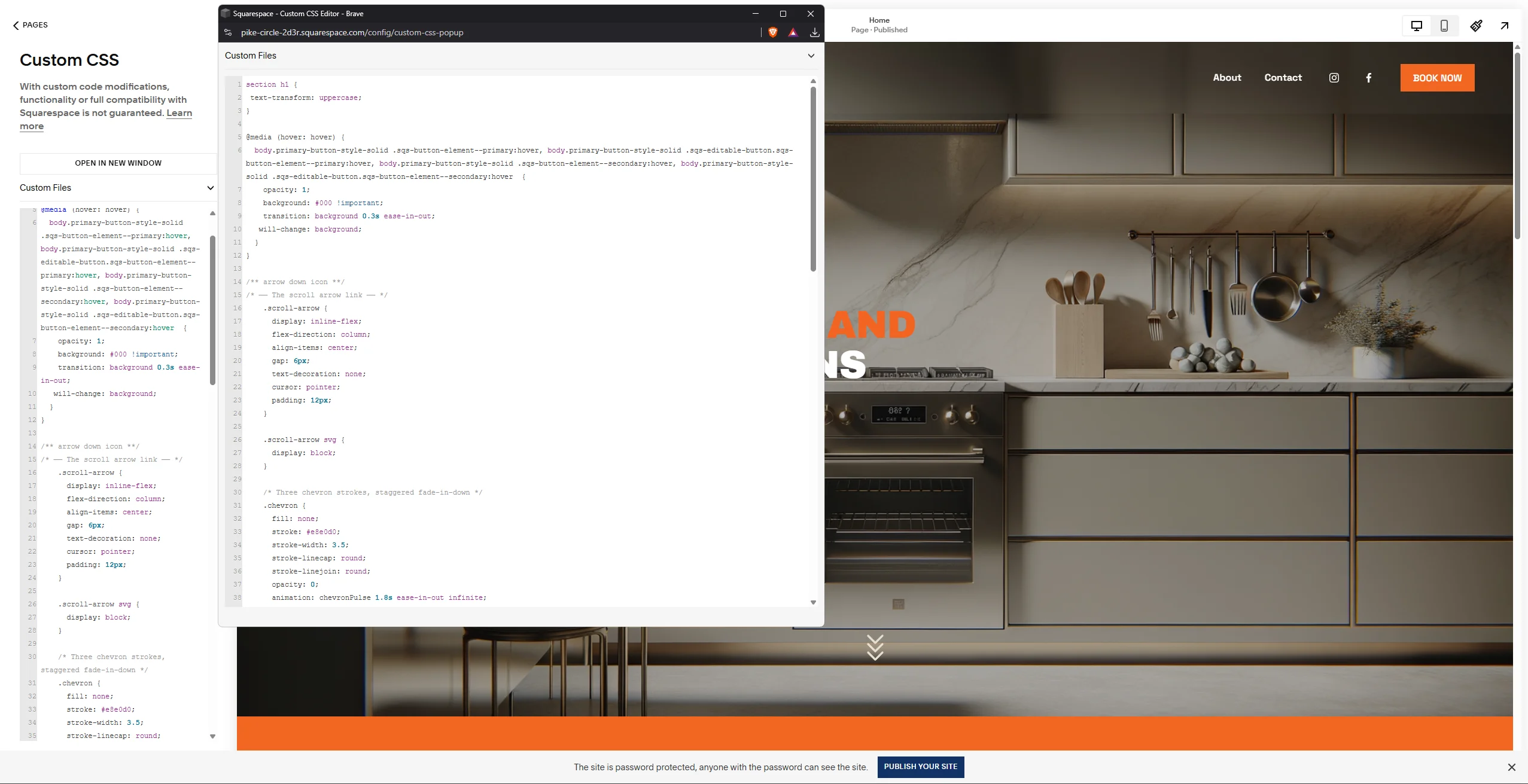
Adding custom CSS and JavaScript is a major Squarespace selling point. This freedom, however, comes with important technical guardrails.
Code Injection Limits
Each code injection area (Header, Footer, Page Header) has a character limit. Exceeding it will cause your code to be truncated and break.
Always minify your code. Be strategic about what you inject directly versus linking from an external file.
Third-Party Script Conflicts
Adding too many external scripts can bloat your site. This directly contradicts Squarespace’s optimization and can cause layout issues.
Test every script addition thoroughly. Monitor your site speed before and after implementation.
Template Lock-In and Flexibility
Choosing a Squarespace template feels like a big decision. It is, because switching later is a significant project, not a simple click.
- Content Doesn’t Migrate Automatically: Page layouts and specific style settings are template-specific.
- Custom CSS Often Breaks: Code written for one template’s class structure will likely not work on another.
- It’s a Manual Rebuild: You will essentially need to rebuild key pages on the new template.
Choose your template carefully after testing demos extensively.
Membership and Gated Content Ceilings
The Squarespace Member Areas feature is excellent for simple courses or communities. It is not a full-fledged membership platform.
Key limitations include a lack of advanced drip content scheduling. You also cannot create complex tiered subscriptions with vastly different access rules natively.
Integration with sophisticated email marketing automation for member journeys is also limited. Assess if your membership model fits within Squarespace’s straightforward structure.
SEO and Technical Boundaries
Squarespace handles core SEO well. Technical SEO, however, has some fixed parameters you cannot change.
URL Structure and Slugs
You have limited control over the site’s overall URL architecture. Blog post URLs, for instance, always contain the `/blog/` segment.
While you can edit page slugs, certain structural elements are locked. This can be a constraint for very specific SEO strategies.
Site Speed Optimization Limits
You cannot directly control core web vitals like lazy loading or server response times. Squarespace manages this globally.
Your optimization levers are limited to image compression, minimizing code, and using fewer animations. The platform’s performance is your ceiling.
Conclusion: Knowledge Is Power
Squarespace’s hidden limits are not reasons to avoid the platform. They are reasons to choose it with clear eyes. For the vast majority of businesses, bloggers, and creators, these boundaries will never be reached.
The key is to align your long-term vision with the platform’s realities. If your five-year plan involves a 10,000-product catalog or a complex SaaS application, this might not be the right foundation.
For a beautiful, professional, and manageable online presence, Squarespace remains a top contender. Just build with awareness.
Ready to build with confidence? Audit your Squarespace plan against your growth goals today. Check your page count, review your product variants, and stress-test your forms before you need them most.